The 30, 15, 7 day reminder schedule that keeps subcontractors insured
Why three reminders in the last month before expiry is the right rhythm, what each email should say, and how to run it for forty subcontractors without doing it by hand.
November 22, 2026 · 3 min read
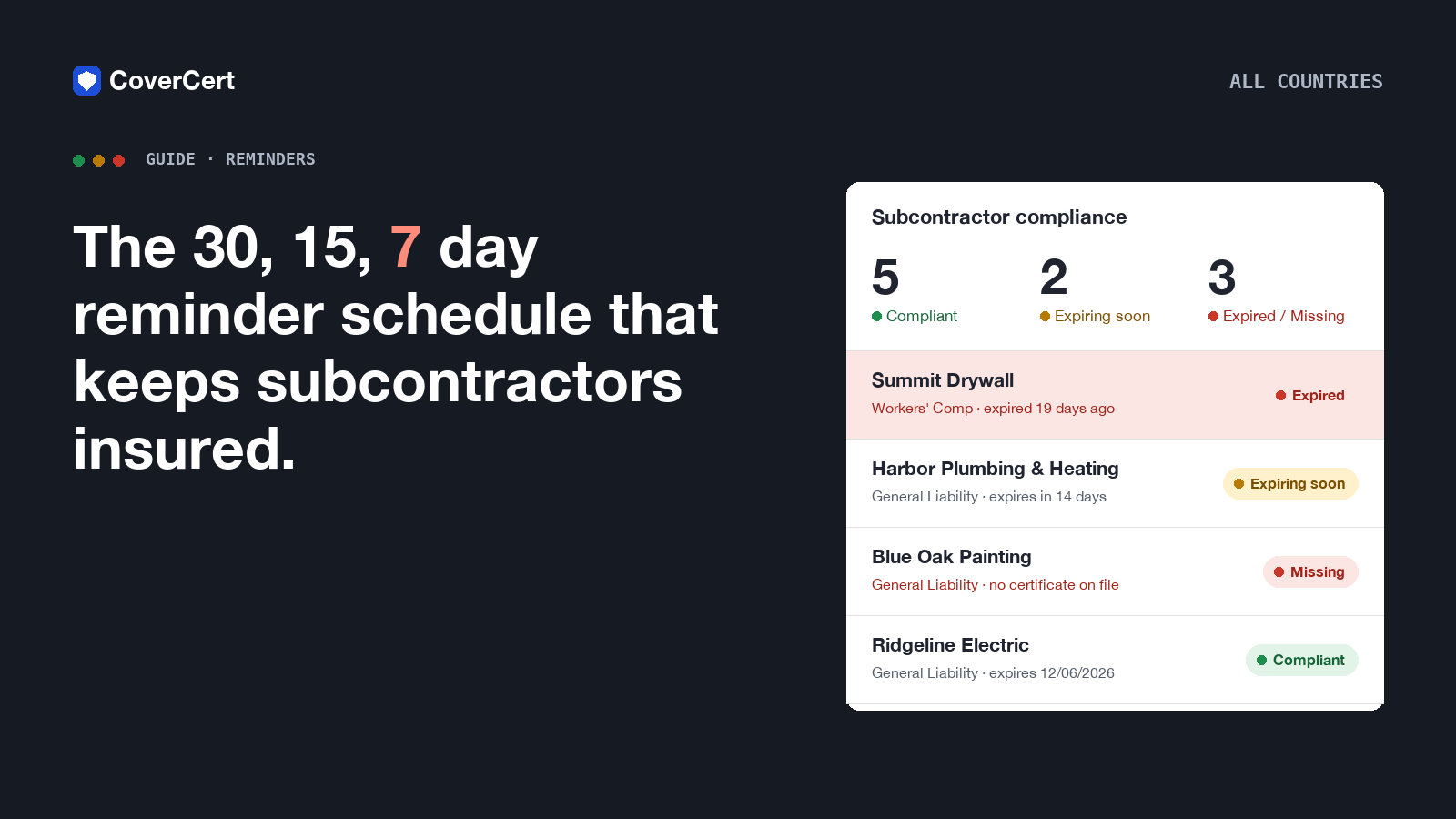
Ask ten contractors when they chase a subcontractor for a renewed insurance certificate and nine will say "when I notice it has expired". The tenth has a schedule. This article is that schedule: why 30, 15 and 7 days before expiry is the right rhythm, what each email should say, and how to run it for forty subcontractors without anyone in the office doing it by hand.
Why three reminders, and why those days
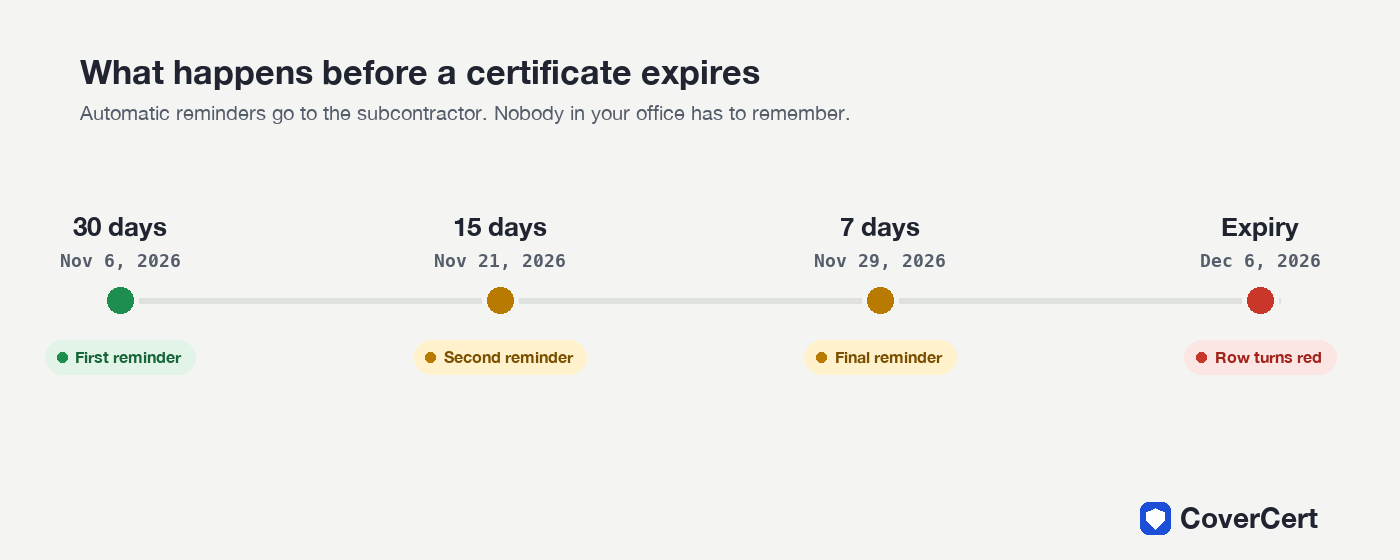
A single reminder gets ignored. Ten reminders get you blocked. Three, spaced across the last month, matches how subcontractors actually behave:
- 30 days is when the broker has usually sent the renewal quote. The sub has the paperwork in hand; a prompt now gets the new certificate issued at the same time as the policy.
- 15 days catches everyone who meant to do it after the first email. It is also the point at which you can still find a replacement trade if the policy is not being renewed at all.
- 7 days is the last useful warning. After this the row is going red whatever happens, and the message is no longer "please send" but "you will not be on site next week".
What each email should say
Keep every message short, specific and sendable from a phone.
Day 30. "Your certificate for [coverage] expires on [date]. Please upload the renewed certificate using your link: [link]. Nothing to install, no login." Tone: routine.
Day 15. Same facts, one new sentence: "Without a current certificate we cannot schedule your crew after [date]." Tone: factual.
Day 7. Same facts, and: "This is the last reminder before the expiry date." Tone: final, not angry.
Three rules apply to all of them. Use the subcontractor's own words for the document ("COI" in the US, "Certificate of Currency" in Australia). Put the upload link in every message so they never have to reply by email. Never send the same reminder twice for the same policy; it trains people to ignore you.
After expiry
The day after the date passes, the subcontractor's row goes red. What happens next is a business decision, not a reminder decision: some contractors stop scheduling the crew, some allow a grace period with a manual follow-up. What should never happen is that the row goes red and nobody knows.
Doing it by hand
You can run this schedule with a shared calendar and discipline: one event per subcontractor per renewal, three reminders each, and someone who actually sends them. It works for five subs. At twenty it becomes a weekly chore; at forty it becomes the thing that is skipped the week the office is busy, which is every week.
Letting CoverCert run it
CoverCert sends these three reminders automatically. The office sets the thresholds once (30, 15 and 7 by default, any combination you prefer), writes the template once in its own words, and every subcontractor on the list gets the right email on the right day with their own upload link. Each reminder is sent at most once per policy, so nobody is nagged twice. The history of every reminder sent is kept on the subcontractor's page, which is exactly what you show an auditor who asks whether you tried.
When the renewed certificate arrives through the link, it is read automatically, the dates and limit are updated, and the row goes back to green without anyone touching the spreadsheet.
See the reminder flow in your country or set it up with the subcontractors you already have.