Why your subcontractor insurance spreadsheet fails, and what to do instead
The file was accurate the day somebody built it. Here is when it stopped being accurate, the five ways it goes wrong, and what a process that runs itself looks like.
November 21, 2026 · 4 min read
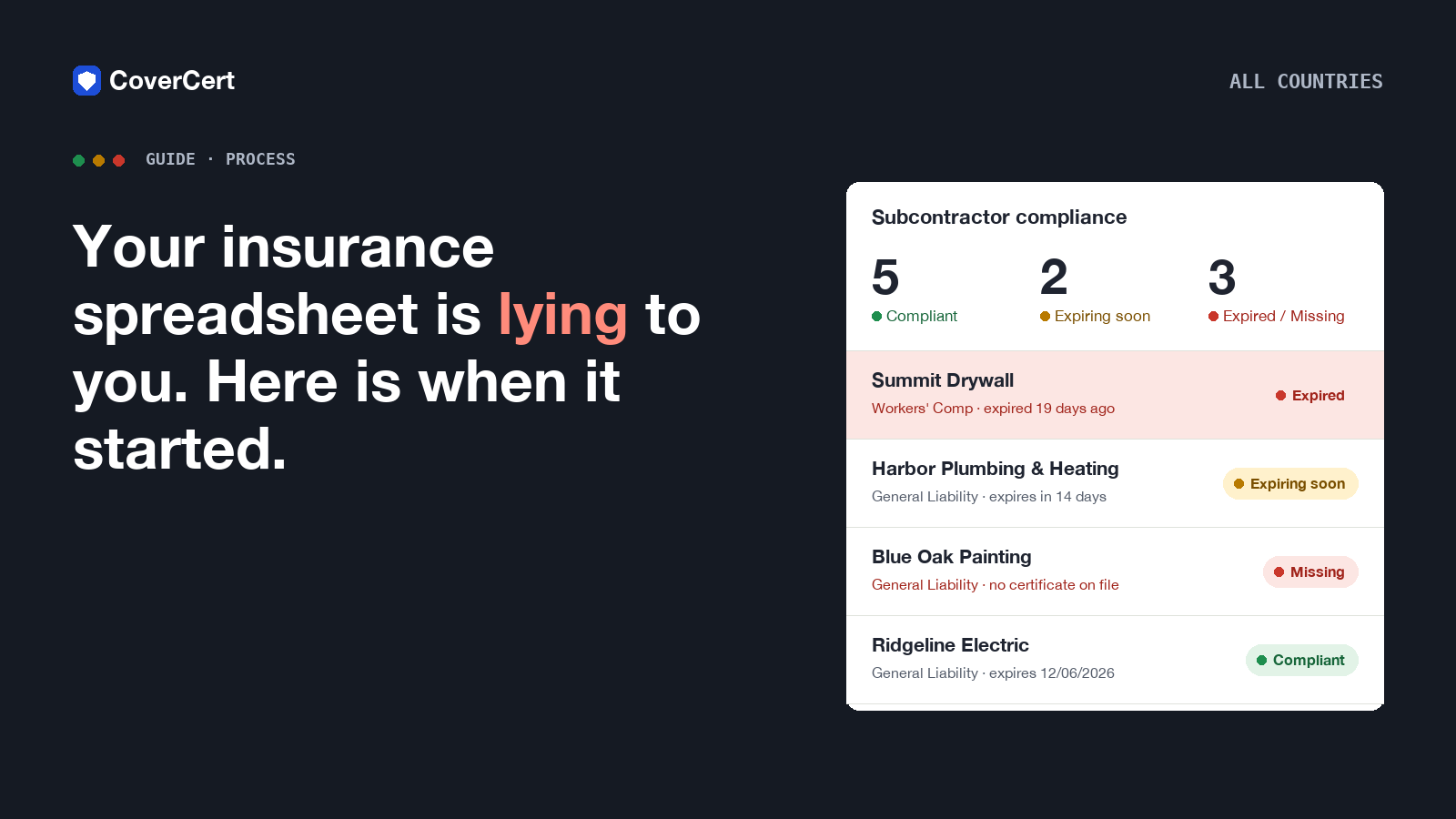
Somewhere in your office there is a file called something like subs_insurance_FINAL_v3.xlsx. It has a row for every subcontractor, a column for the expiry date, and a notes column that says things like "emailed 2x, no reply" and "renewal? ask Dana". It was accurate on the day somebody built it. This article is about the day it stopped being accurate, why nobody noticed, and what to do instead.
The spreadsheet was never the problem. The calendar was.
A spreadsheet is a good place to store a date. It is a terrible place to be reminded of one. Nothing in that file will tap anyone on the shoulder when Harbor Plumbing's liability policy runs out on the 6th. Somebody has to open it, sort by the date column, notice that the 6th is next week, find the subcontractor's email, write the message, and then remember to check whether anything came back.
That is six manual steps per subcontractor per year, and the one that gets skipped is always the last one. "Emailed 2x, no reply" is the sound of a process that has no step seven.
Five ways the file goes wrong
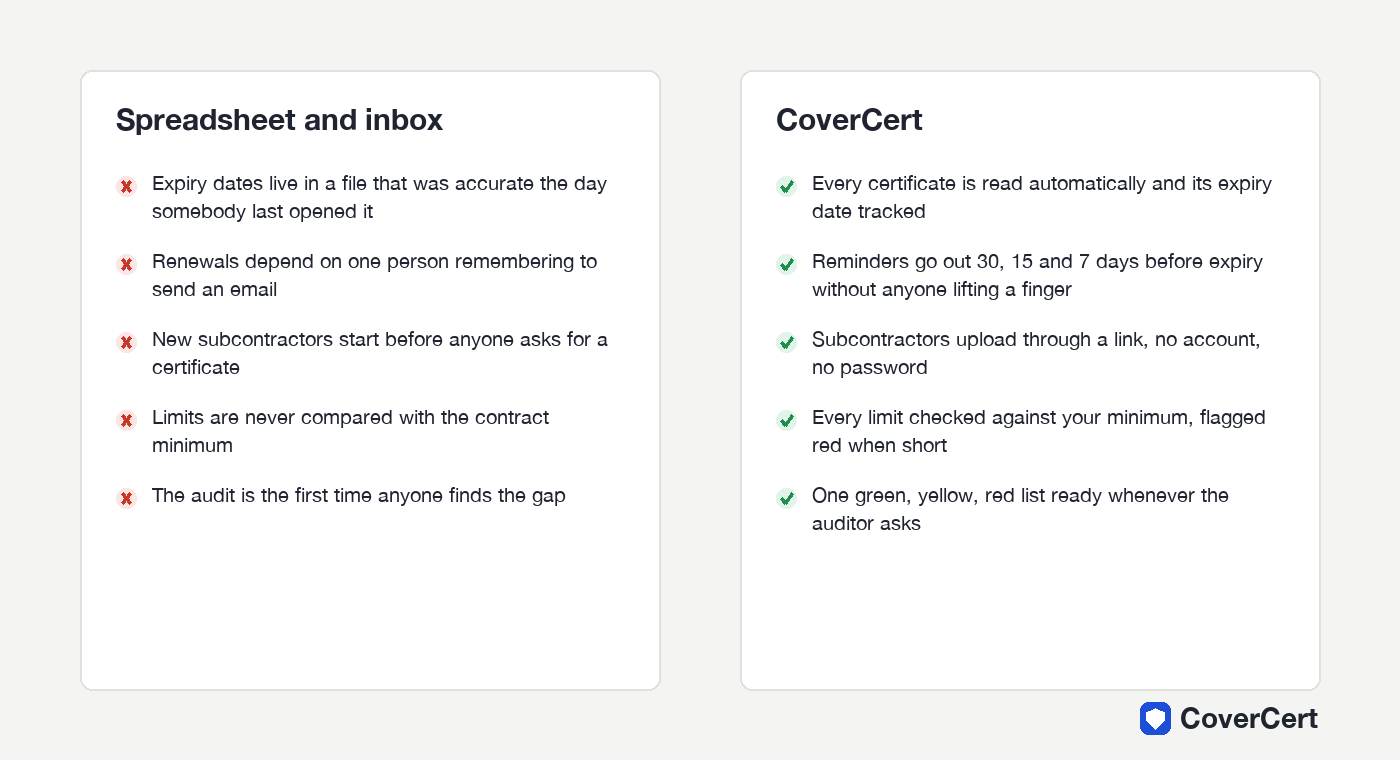
1. It records the certificate, not the policy. A certificate is a snapshot. The expiry date in your column is the date on the page, which is only right until the policy is cancelled, changed or renewed with a different limit.
2. New subcontractors start before they are in it. The painter who began on Tuesday is not in the file because the superintendent hired him on Monday. The file is complete for the companies you had last quarter.
3. Nobody compares the limit with the contract. The column says "GL" and a date. It does not say that the limit on the certificate was half of what the subcontract required. Nobody checked, because the file has no column for "required".
4. Renewals go to the wrong inbox. When a policy renews, the broker sends the new certificate to the subcontractor. The subcontractor forwards it to whoever hired them last, or to nobody. Your file keeps the old date.
5. The audit is the first review. The file is opened properly once a year, usually because somebody outside the company asked a question. That is the worst possible time to discover that a third of the rows are out of date.
What it costs
You do not pay for the spreadsheet. You pay for the gap it hides, on the day something goes wrong:
- A worker on an uninsured sub's crew is injured. The claim climbs to you.
- A client's auditor finds expired certificates. The relationship is damaged before the next tender.
- Your own insurer, at renewal, asks how you verify subcontractor coverage. "A spreadsheet" is not an answer that lowers premiums.
Most contractors never put a number on it until the number arrives.
What good looks like
The job has four parts, and each one has to happen without anyone remembering:
- Every certificate is read the day it arrives, and the insured name, type, expiry date and limit are recorded.
- The limit is checked against your minimum, every time, and anything short is flagged.
- Reminders go to the subcontractor before expiry, at 30, 15 and 7 days, automatically.
- The list is always current, so the auditor's question has a one-click answer.
How to get there in an afternoon
CoverCert was built for exactly this. Drag in the folder of PDFs you already have: each certificate is read, matched to a subcontractor and placed on the list. Add the subs you are missing by name and email; each one gets a link, uploads from a phone, and never needs an account. From then on the reminders run themselves, the limits are checked against your minimum, and the dashboard shows one green, yellow and red list.
Your spreadsheet becomes what it should have been all along: a backup you never open.
See how it works in your country or start with the files you already have.